
Technical Help for Entering Shows
Help if you're having trouble entering a show.
We are aware that there is a bug in GiveButter when you are trying to enter a show using Safari as your browser (typically on an iPhone, iPad, or Mac). If you're using Safari, please download and use Chrome instead which you can get here. ____________________________________
Troubleshooting for Common Issues
The most common reason entries don't go through is that the photos are too large! Please make sure your images are 1MB or smaller. If your images are larger, Adobe has a free image resizing tool you can use here.
How to Enter a Schoolhouse Show
1. Find the entry link on the Calls for Entry page.
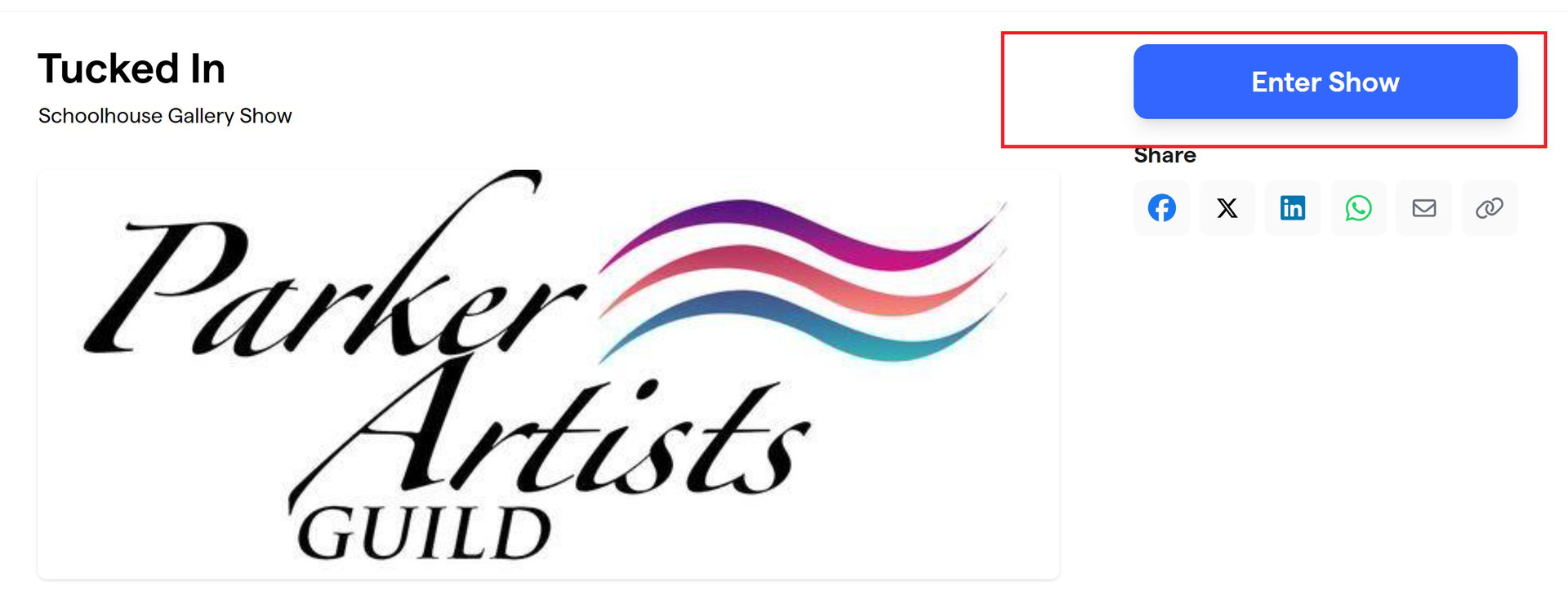
2. Click "Enter Show" like in the red box here.
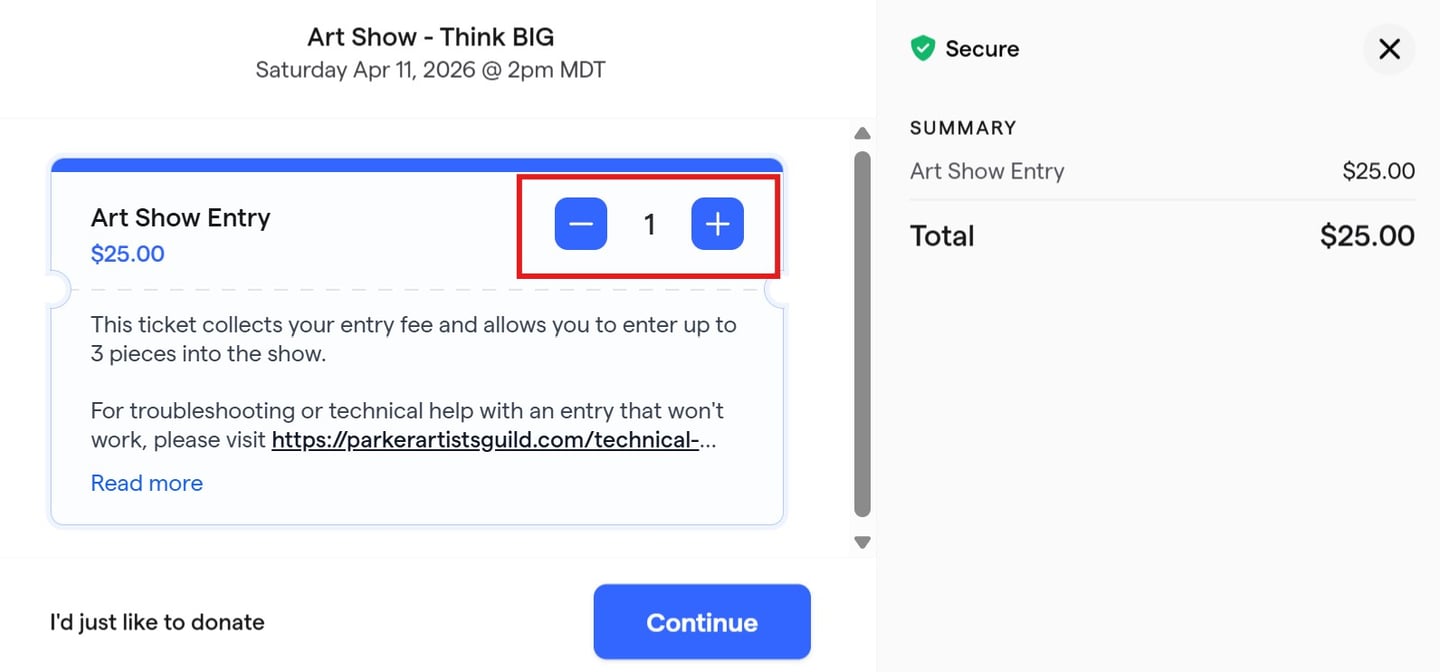
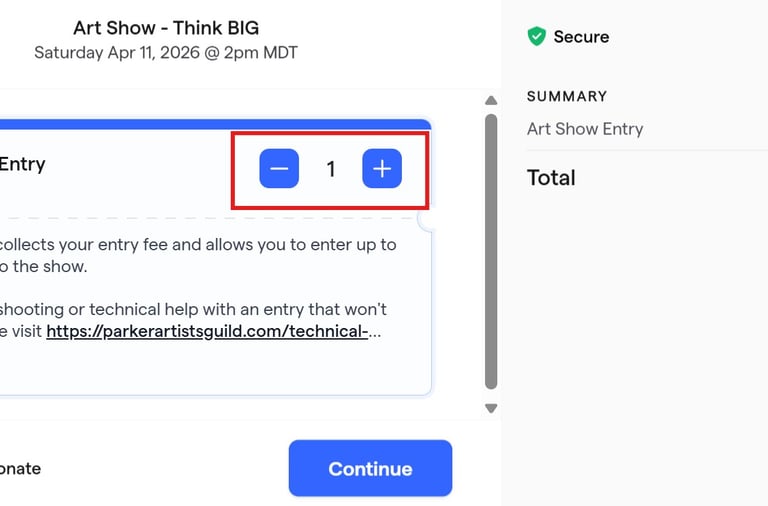
3. Choose 1 entry ticket. This will allow you to enter up to 3 pieces of artwork in the show.
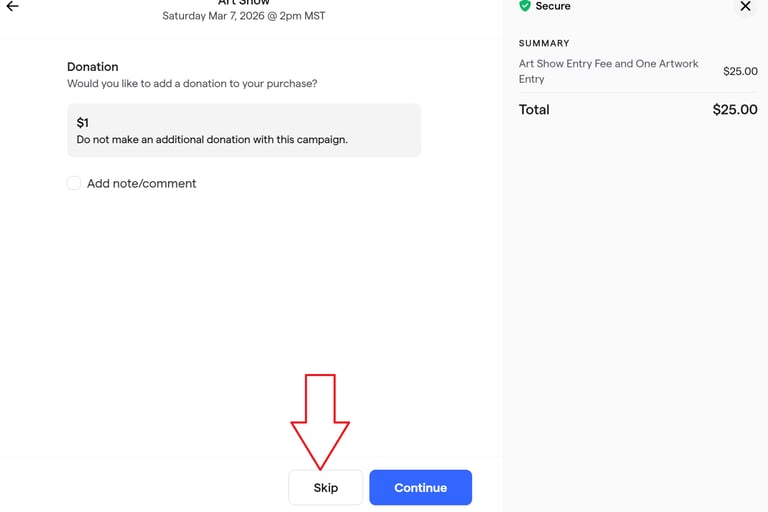
4. Skip the next page without clicking any donation options.
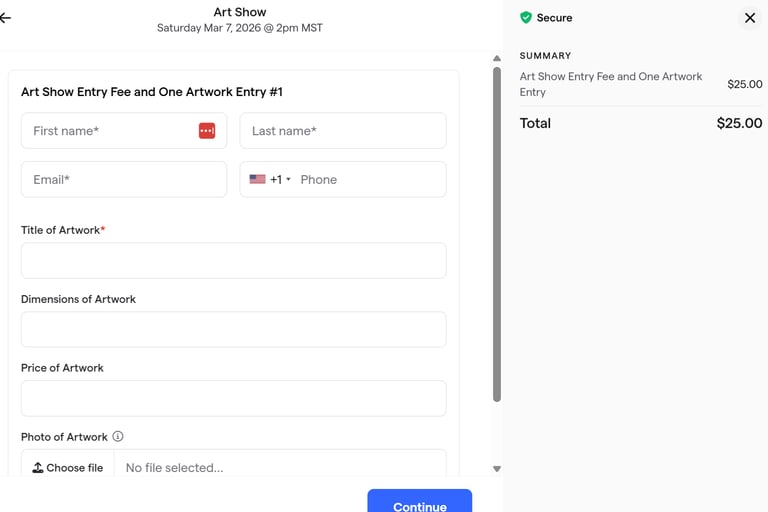
5. Enter your details on this page and upload a photos of each piece along with the other details. EACH PHOTO CANNOT BE LARGER THAN 1MB. If your picture is larger, you can use this free image resizer to get it to be the right size.
To enter a 2nd or 3rd piece into the show, scroll down and continue filling out the fields for each piece.
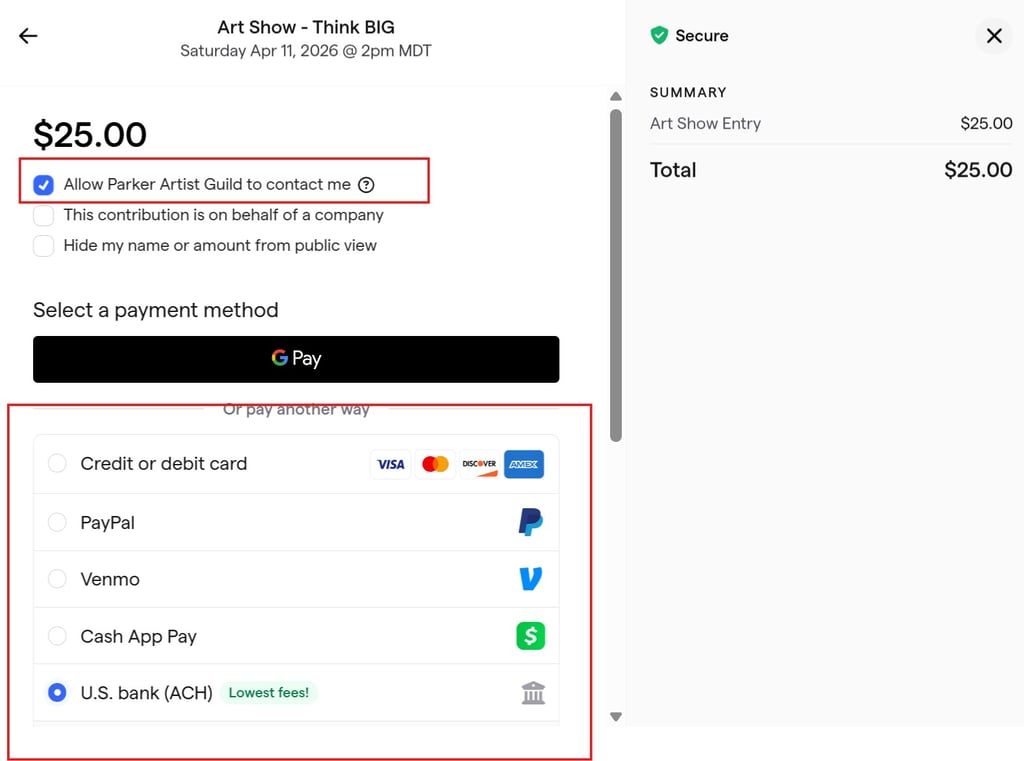
6. On the final page, please leave the box at the top checked, if you uncheck it, you will stop receiving show emails, and may stop receiving the newsletter!
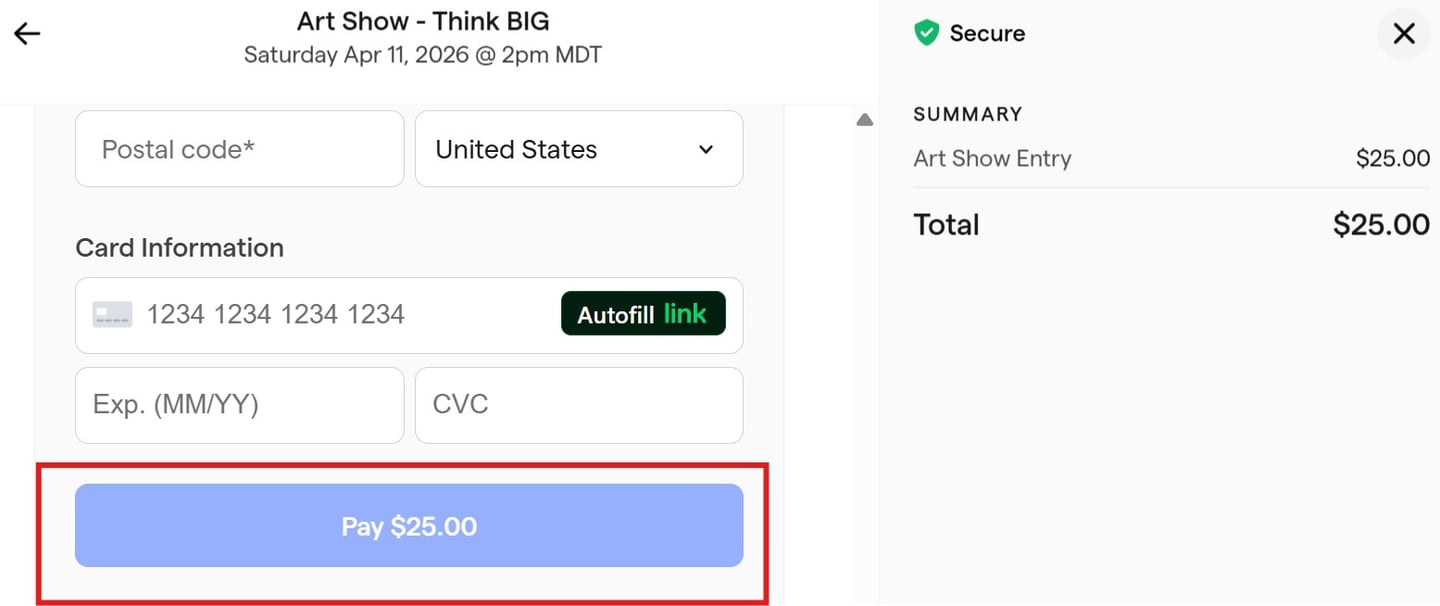
Click your payment method, enter your payment details and then click "Pay $25" to complete your payment.
If these steps do not work for you, please check the troubleshooting tips at the top of this page. If you're still stuck, you can reach out with the contact form below and we can help.
Get in Touch
Questions? Send us a quick message!